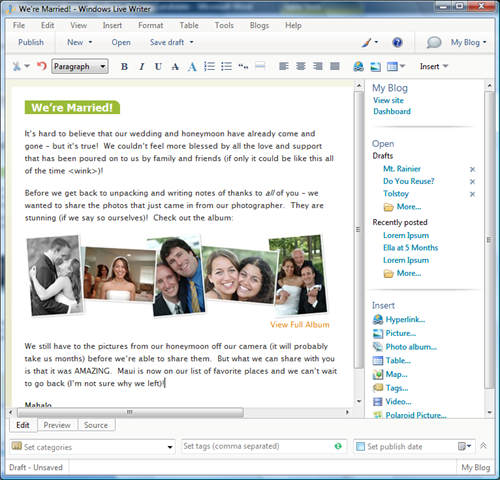





Steps for making an audio podcast
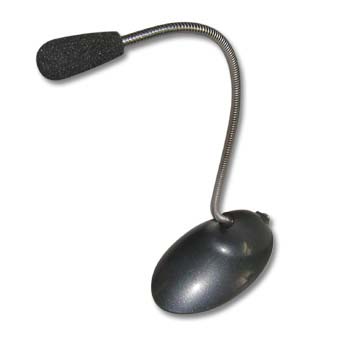
1. Get a microphone.
To record a podcast, you need to have a microphone that is compatible with your computer.
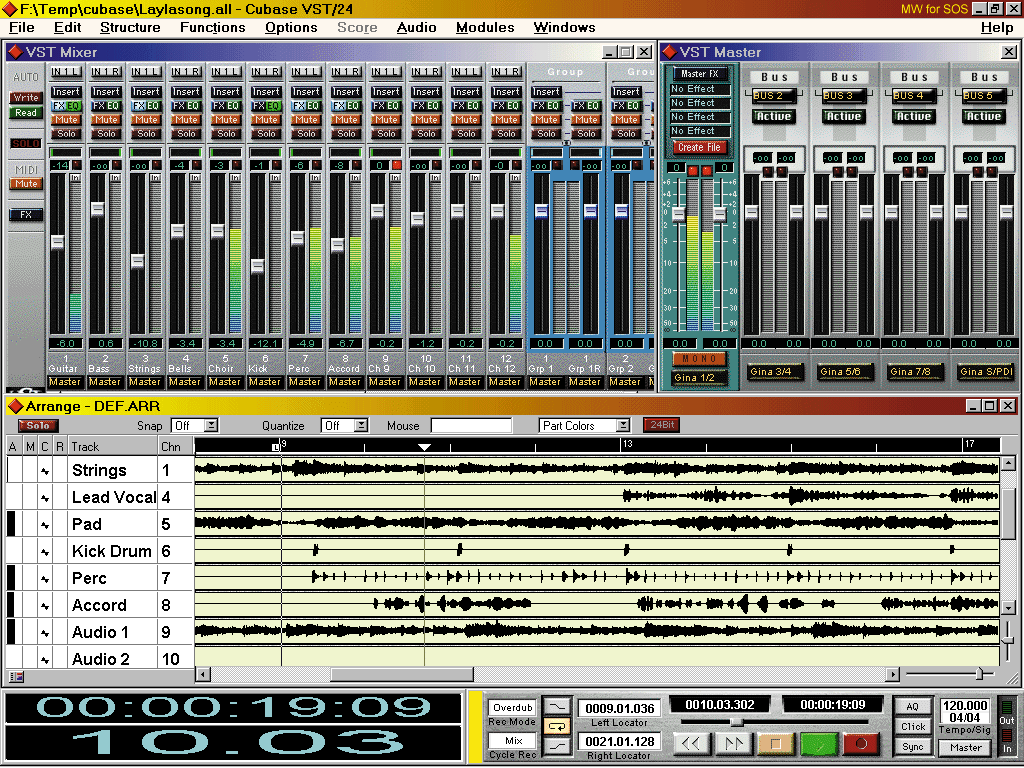
2. Get audio software.
You need to get software that allows you to record audio through that microphone and save it on your computer's hard drive.
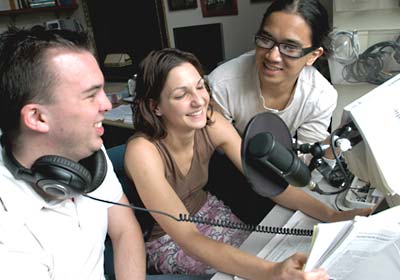
3. Prepare your podcast content.
Take some time to think about what you're going to say during your podcast.
4. Record your podcast
Turn on your microphone, start your audio software and begin recording. Remember to save the file when you're done.
5. Upload your podcast file to your online host.
An online hosting will make your podcast be available to everyone around the world.
6. Get the URL of your uploaded podcast file.
Once you upload your podcast file to your hosting account, copy the podcast URL and keep that URL nearby
7. Test your podcast link
Open your new URL for you podcast and listen to your podcast to ensure it's working correctly.
You may even create a blog post and introduce your podcast. This is to make your viewers more aware of your content.